For VTubers & avatar artists
Keep your VTuber avatar on-model, sheet to sheet
Your avatar is your face on stream, so it has to read as the same character in every expression, outfit swap, and promo thumbnail. Here is how to build a reference set that stays consistent before a single frame gets rigged.
A VTuber persona lives or dies on recognisability. Viewers see the same avatar for hours, then again on a thumbnail, a Twitter banner, and a merch drop — and any wobble in the eyes, the hair colour, or the signature accessory instantly reads as a different character. Generative editing lets you extend one strong reference into the whole set yourself, as long as you hold the parts that make the avatar them.
Anchor everything to one master reference
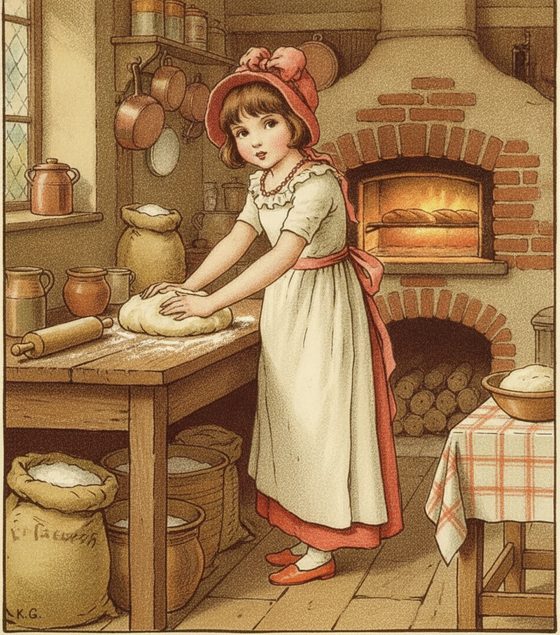
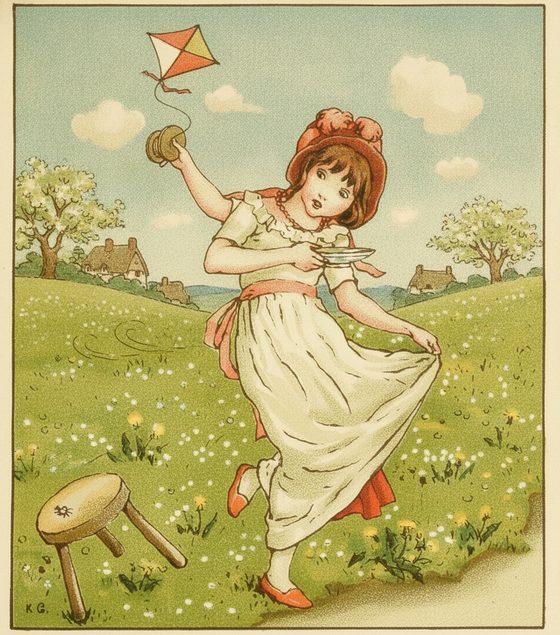
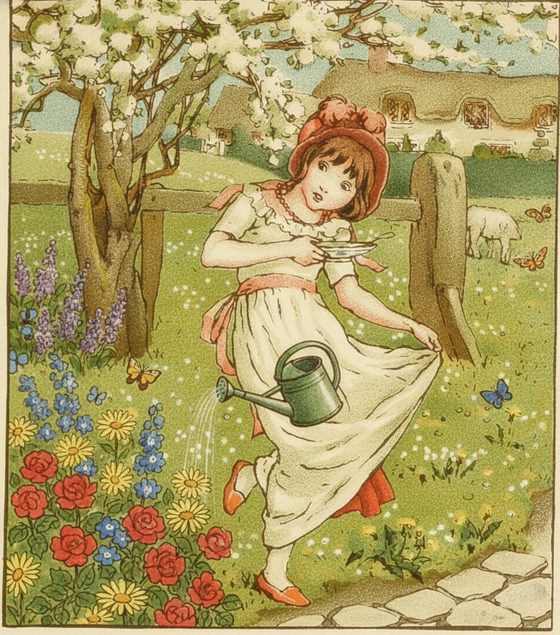
Start from your cleanest front-facing avatar art. Describe each new piece — a wink expression, an alt costume, a seasonal outfit, a promo pose — and name the identity anchors that must survive: the eye shape and colour, the hairstyle, the horns or headphones, the palette. Generate every variant from that master rather than chaining one output off the last, so drift never gets a chance to accumulate across the sheet.
What holds and what slips
- Signature silhouette — a distinctive hairstyle, ears, a floating accessory — is the strongest anchor. Prominent, defining features carry the most reliably from pose to pose.
- Expression sheets work well when the face is clear and forward. A three-quarter or downcast angle the reference never showed may soften the likeness, so inspect and re-run a drifted expression.
- Tiny emblems — a small pin, an engraved charm, fine lace — can blur. Build the avatar's identity around big, readable shapes, not micro-detail.
This is reference art, not a rig
Generative editing gives you consistent 2D art — expression sheets, promo pieces, thumbnail poses. It does not rig a live model. Take the finished sheet to your Live2D or 3D artist as the reference, or use the promo art directly for thumbnails and socials. Keep the reference-sheet planner handy to organise expressions and outfits before you start generating.
Questions, answered plainly
Can it rig my avatar for streaming?
No — this produces consistent 2D art, not a rigged Live2D or 3D model. Use it to lock your avatar's look and make expression and promo sheets, then take that reference to a rigger or your rigging tool of choice.
Can I base my VTuber on a real person or streamer?
No. Keep your avatar an original, fictional character you own. Do not base it on a real streamer, celebrity, or anyone who has not consented — an invented persona is the safe and correct default here.
Will my avatar's exact accessories stay put?
Prominent, defining accessories — headphones, horns, a distinctive hairclip — carry reliably. Very small emblems or fine engraving can soften between poses, so lean on the big signature pieces to hold identity.
Is it free to test my avatar?
The workbench starts with one free watermarked preview, so you can check that your avatar holds in a new expression before spending anything. Building a full sheet uses one-time 4-, 12-, or 40-scene packs — you pay only for what you generate, no subscription.
Lock your avatar's look
Bring your master avatar art and generate the first expression. Keep it on-model across the whole sheet.
One free watermarked preview here — no signup. Choose a pack only after you inspect the scene.