For founders and creators
Build a personal-brand photo set that still looks like you
You need a month of founder, podcast, workspace, and social images. You have three decent photos and no desire to organize another shoot. The useful version of AI photography is not a new invented face—it is your own adult identity carried into a coherent set.
Start from photos you took of yourself or commissioned for your use. Choose a clean head-and-shoulders portrait, a three-quarter view, and a full-body frame if the set will include standing or walking shots. The goal is not to make your references glamorous; it is to make your identity unambiguous. Natural skin texture and an unobstructed hairline help more than a beauty filter.
Plan a useful shot list before you generate
- Authority: a speaking, workshop, or founder portrait with clear eye contact.
- Process: a desk, studio, kitchen, or workshop scene that shows how you work.
- Conversation: a podcast or interview frame with a natural three-quarter angle.
- Campaign: one seasonal or launch scene with room for your real copy added later.
- Evergreen: a simple neutral-background portrait that will not date quickly.
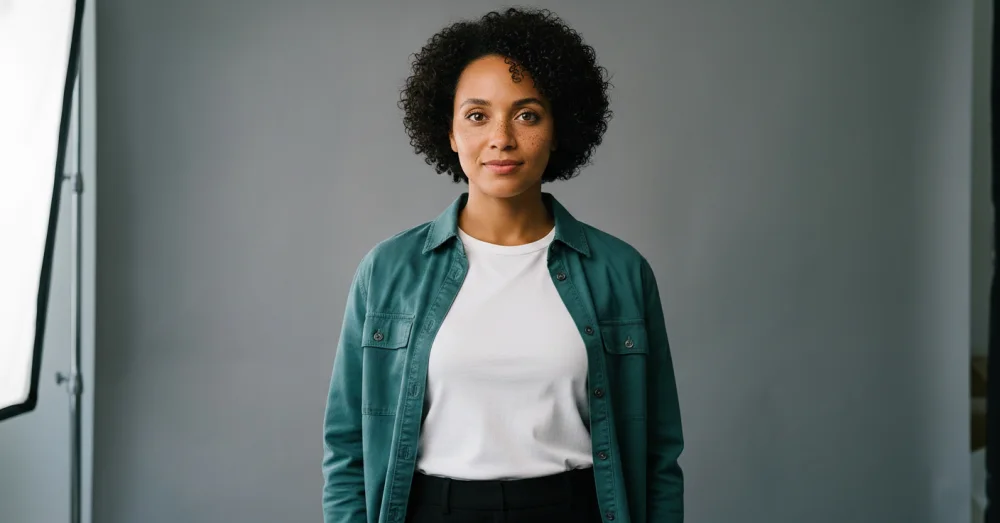
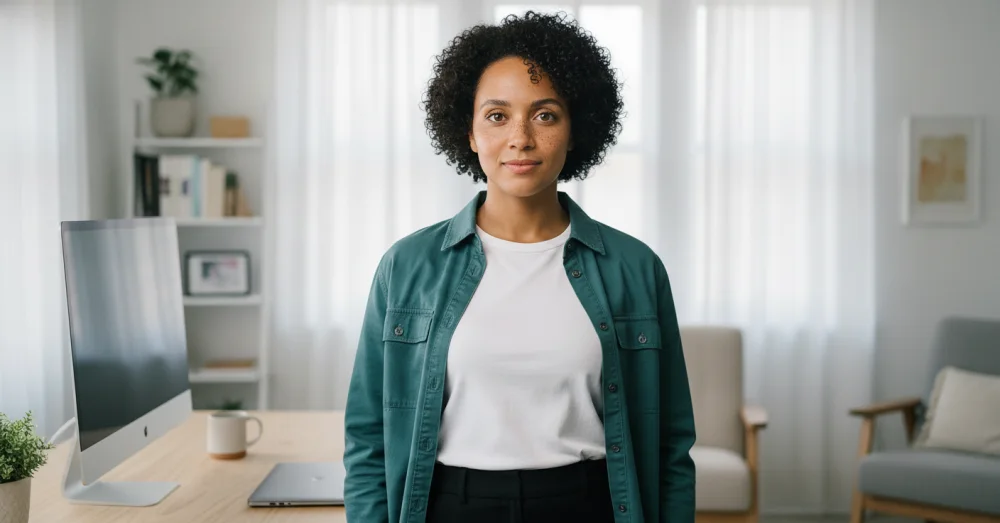
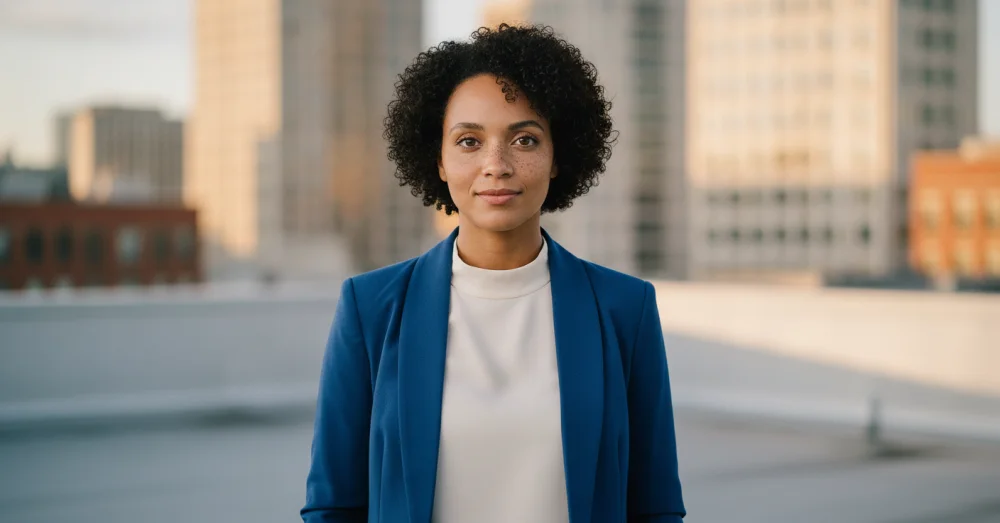
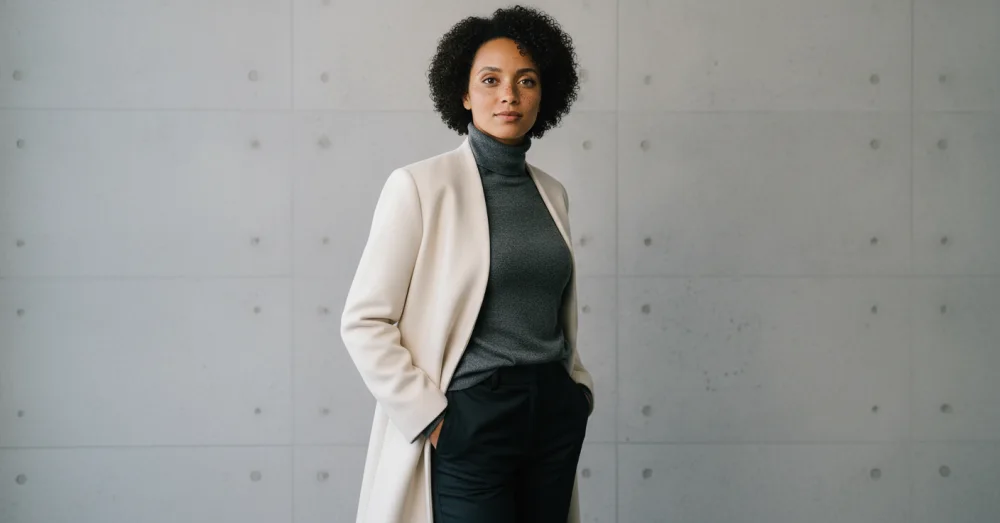
Keep the set coherent without making it repetitive
Reuse the same two or three lighting words, lens feel, and color family across the set. Vary the setting and framing, but keep the identity constants explicit. If one outfit is part of your visual signature, lock it for a few images; then change the outfit deliberately for another group. Add headlines, logos, and event details afterward in a layout tool so real text stays crisp.
A generated conference photo is brand art, not documentary evidence. Do not claim you spoke at an event you did not attend, imply a partnership that does not exist, or fabricate a customer endorsement. Context is part of likeness safety.
The review that protects your brand
Put the set into a contact sheet and reject any frame where the face, age, hair, body proportions, hands, or clothing stop reading naturally. Also reject scenes that overstate your office, team, audience, equipment, or credentials. Consistency is only useful when the person and the story both remain honest. Use the private reference-sheet planner to organize your inputs before you begin.
Questions, answered plainly
Can I create LinkedIn and website photos from the same references?
Yes. Plan separate crops and levels of formality, but anchor them to the same reference set. A neutral portrait, a workspace frame, and a speaking-style image cover most personal-brand surfaces.
Can my assistant make these for me?
Yes, if you have asked them to and approved the use of your adult likeness. Give them the approved references, allowed scene list, and a rule that nothing publishes until you review identity and context.
Should I tell people the photos are generated?
Disclose when the setting or action could be mistaken for a real event, workplace, endorsement, or documentary moment. A simple note such as “AI-assisted brand image” keeps the context honest.
Start with one useful brand photo
Bring your adult reference set and make the workspace, founder, or creator image you actually need next.
One free watermarked preview here — no signup. Choose a pack only after you inspect the scene.