For brand & social teams
Put your mascot in any scene, on-brand
A mascot only works if it is recognizable everywhere it shows up — the holiday post, the launch banner, the app onboarding. Here is how to place your original mascot into new scenes while keeping it unmistakably yours.
Brand mascots are expensive to extend. Every new campaign scene traditionally means a brief, an illustrator, and a round of revisions to make sure the character stays on-model. Generative editing lets a small team place an existing mascot into new scenes in-house — provided you protect the handful of features that make the mascot a brand asset.
Lock the brand-defining features
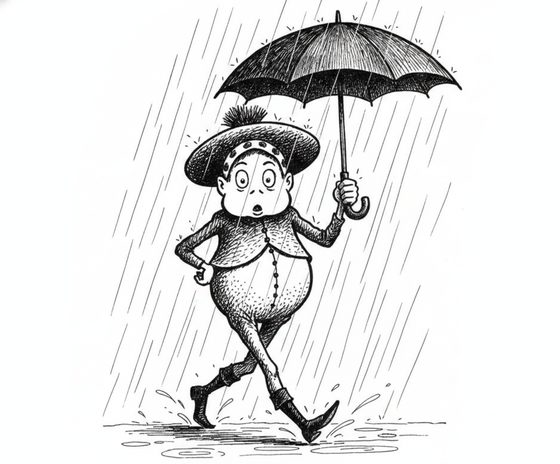
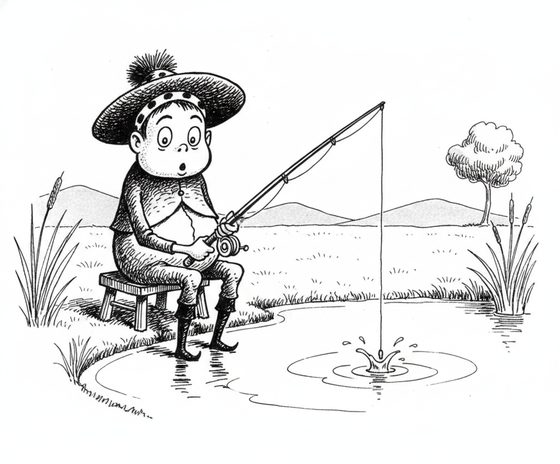
Your mascot's equity lives in a few specifics: the precise body shape, the brand colours, a signature accessory. Start from a clean mascot reference and, in every scene prompt, name those non-negotiables — "keep the round teal body, keep the yellow scarf." The scene, season, and props change around the mascot while its defining shape and palette carry through.
What holds and what to watch
Do
- Keep one canonical mascot reference and reuse it for every scene.
- Name the brand colours and signature accessory in each prompt.
- Use the mascot's bold, simple shapes — they carry best.
- Review a batch of scenes together for on-brand consistency.
Avoid
- Expect a small wordmark or logo on the mascot to stay crisp — add it afterwards.
- Introduce off-brand colours in the scene and hope the mascot resists them.
- Use a busy, fine-detail reference where the shape is hard to read.
- Ship scene art without a human on-brand check.
Keep the logo separate
Do not rely on the workbench to reproduce a wordmark or tiny logo baked into the mascot — small text and marks tend to re-render as fuzzy texture. Generate the mascot scene, then composite your real logo and any lettering on top in your design tool. That keeps your brand marks sharp while the mascot itself stays consistent. Plan your reference set with the free reference-sheet planner.
Questions, answered plainly
Can I use my existing company mascot?
Yes, as long as you own or license it — that is exactly the intended use. Start from a clean reference of your mascot and place it into new scenes. It is for characters you own; do not use a mascot belonging to another brand.
Will my mascot stay on-brand across a whole campaign?
Its defining shape, colours, and signature accessory carry reliably when you name them in each prompt and anchor every scene to the same reference. Always keep a human on-brand review before publishing — small details can drift.
Can it keep the logo on my mascot readable?
No. Small logos and wordmarks re-render as texture. Generate the mascot scene without relying on the baked-in mark, then composite your real logo on top afterwards in a design tool.
What does it cost for a brand team?
The workbench starts with one free watermarked preview, so you can prove the look before committing budget. Producing campaign scenes uses one-time 4-, 12-, or 40-scene packs — you pay for what you generate, with no subscription to sign up for.
Take your mascot to a new scene
Bring your mascot and describe the campaign scene. Keep it on-brand everywhere.
One free watermarked preview here — no signup. Choose a pack only after you inspect the scene.