For animators & directors
Keep characters consistent across your storyboard
A storyboard has to read at a glance, and it can't if your lead looks like a different person in every frame. Here is how to hold a character across a sequence of shots so the board communicates the scene, not the drift.
Boarding a sequence means drawing the same character over and over, from wide establishing shots to tight inserts. If the face or costume shifts frame to frame, the board stops reading as one continuous scene. Generative editing lets you anchor every frame to one character reference so your lead stays recognisable as the camera and blocking change.
Board from a reference, not from the previous frame
Set a clear reference for each character in the sequence. Then generate each frame by describing the shot — the angle, the staging, the action — and naming the identity anchors that carry: the face, the coat, the key prop. Because every frame pulls from the same reference rather than the last output, small drifts never compound down a long sequence.
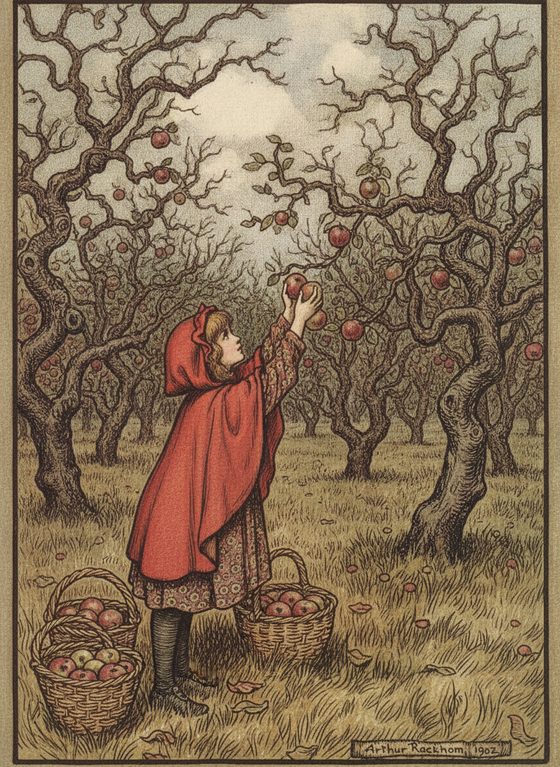
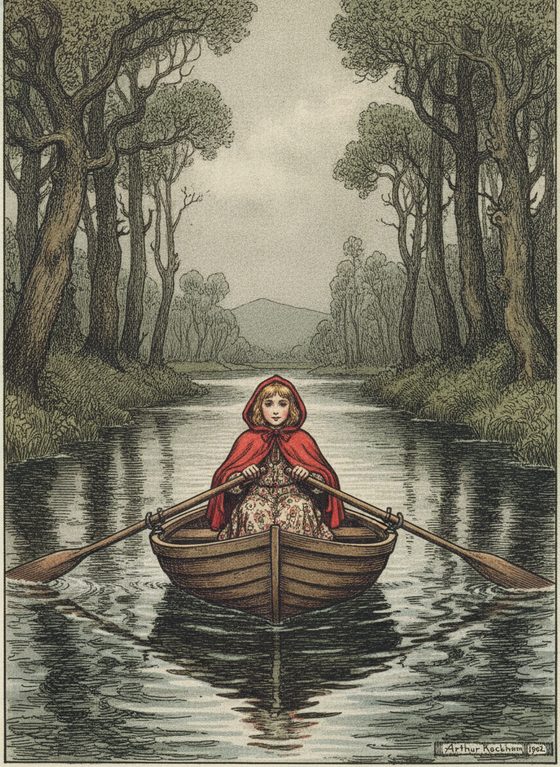
What board work asks that a single reference can't always give
- Big staging swings — a low hero angle, a character mid-fall, a reverse over-the-shoulder — reveal views a front reference never showed. Inspect, simplify, or re-run the tricky frames.
- Multi-character frames are outside the one-subject workbench contract. Generate one owned character at a time and composite the approved finals into a shared frame.
- These are boards, not final animation. The output gives you consistent frames and continuity reference — it does not produce moving, in-betweened animation. Hand the board to your animatic and animation pipeline.
Review the sequence as a strip
Lay the frames out in order and read them together before you cut an animatic. A strip view makes the one off-model frame jump out far faster than judging each in isolation. Re-run the outlier against the same reference, then take the sequence into your editing tool. Keep the reference-sheet planner beside you to organise a scene's cast before you board.
Questions, answered plainly
Does this produce finished animation?
No — it produces consistent storyboard frames and continuity reference, not moving, in-betweened animation. Use it to board a sequence and hold characters on-model, then take the frames into your animatic and animation pipeline.
How do I keep two characters consistent in the same frame?
Generate each owned or licensed character separately, select a final, and assemble the shared frame in your layout tool. The native job contract handles one character at a time.
Can I board a character based on a real actor?
No — keep every character an original, fictional creation you own. Do not base a character on an actor, celebrity, or anyone who has not consented. An invented character is the correct default for a board.
Is it free to test a few frames?
The workbench starts with one free watermarked preview, so you can check that a character holds across two frames before spending. Boarding a full sequence uses one-time 4-, 12-, or 40-scene packs — you pay only for what you generate, no subscription.
Board it on-model
Bring a character reference and generate the first frame. Keep them consistent across the sequence.
One free watermarked preview here — no signup. Choose a pack only after you inspect the scene.