For self-publishers & educators
Follow one character through a whole coloring book
The best activity books have a friendly guide who turns up on every page — same face, same little outfit, page after page. Here is how to keep that character consistent across a whole book of clean, colorable line art.
A coloring or activity book feels cohesive when one character leads the child through it — waving on the cover, hiding in a maze, counting apples. That guide has to look the same every time or the book stops feeling like one story. Generative editing lets you design the character once and place them into scene after scene, holding the face and outfit so your little guide stays recognisable throughout.
Design the guide once, place them everywhere
Fix your character in one clean reference — the friendly face, the simple outfit, the palette (even if the pages will be black-and-white line art for colouring). Then generate each page by describing the activity — at the beach, in a garden, solving a puzzle — and naming the anchors that must survive: the face, the hair, the signature item. Every page pulls from the master reference, so page three's character is unmistakably page thirty's.
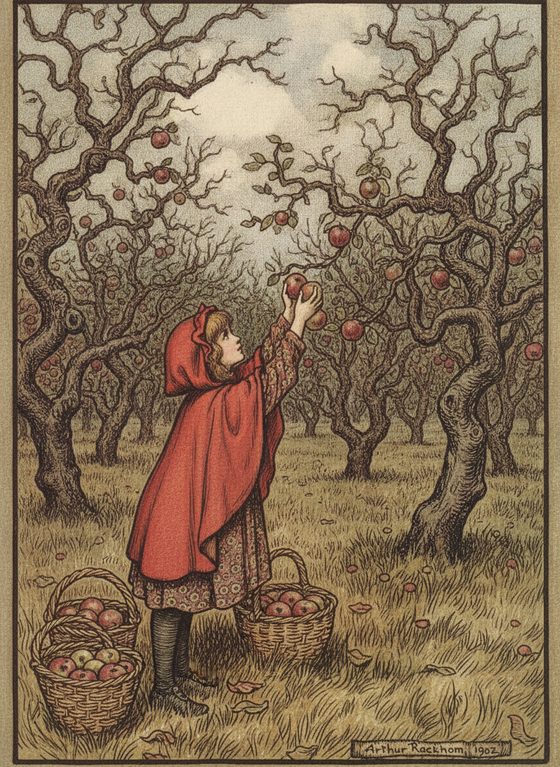
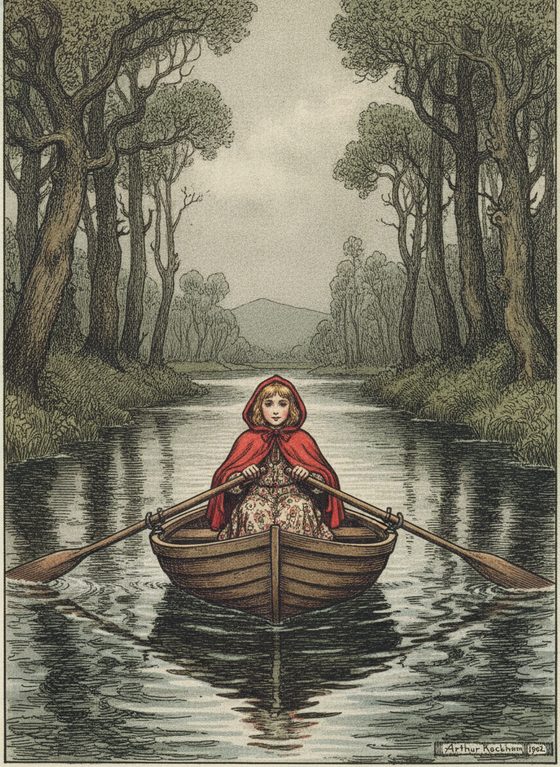
What holds across a book of pages
- A simple, bold character design reads best as line art and colours in cleanly. Distinctive hair or a hat anchors identity; fussy micro-detail both drifts and frustrates a young colourist, so keep shapes big.
- Clean line-art style transfers well, though a very sparse style can occasionally come back busier. Name the style in every prompt and review that the lines stay simple enough to colour.
- Page layout, activity puzzles, and text are your job. The tool gives you consistent character scenes; arranging pages, adding maze lines or number prompts, and typesetting happen in your own layout tool.
Generate the pages, review as a set
Produce the book's scenes from the one reference, lay them out in order, and review the character across the run — an off-model page jumps out beside its neighbours. Re-run any outlier against the same reference, then take the line art into your book-layout tool for puzzles and text. The reference-sheet planner helps you list the scenes before you generate.
Questions, answered plainly
Can one character appear on every page?
Yes — that is the point. Anchor every page to one clear reference and name the identity details in each prompt so the same friendly character leads the child through the whole book.
Can I base the character on a real child or person?
No — keep your guide an original, fictional character you own. Never base a children's character on a real child, and do not use a celebrity or anyone who has not consented. An invented character is the correct and safe default.
Does it lay out the book and add the puzzles?
No — it produces consistent character scenes and line art. Page layout, activity puzzles, and any text go on afterward in your own layout tool.
Is it free to test one page?
The workbench starts with one free watermarked preview, so you can check that your character holds on a second page before spending. A full book uses one-time 4-, 12-, or 40-scene packs — you pay only for what you generate, no subscription.
Lead every page
Bring your character reference and generate the first page. Keep the guide consistent through the whole book.
One free watermarked preview here — no signup. Choose a pack only after you inspect the scene.