For novelists & fiction writers
Give your novel's cast a consistent face
You know exactly what your protagonist looks like — the scar, the coat, the way they hold themselves. Turning that into consistent reference art helps you plan, brief a cover artist, and give readers a face to hold. Here is how to keep each character on-model.
Writers carry a whole cast in their heads, but a mental image drifts — and so does a picture, if every render starts from scratch. Generative editing lets you fix a character once and then see them in scene after scene, keeping the face and defining details so your reference stays the same person the reader meets on the page.
Fix the character, then explore the scenes
Build one clean reference for each character — a portrait that matches your description. Then generate the moments you want to see: the character at their desk, in the rain, at the confrontation. Describe each scene and name what must not change — the face, the hair, the signature garment — so the art anchors to your canonical reference instead of wandering with each new setting.
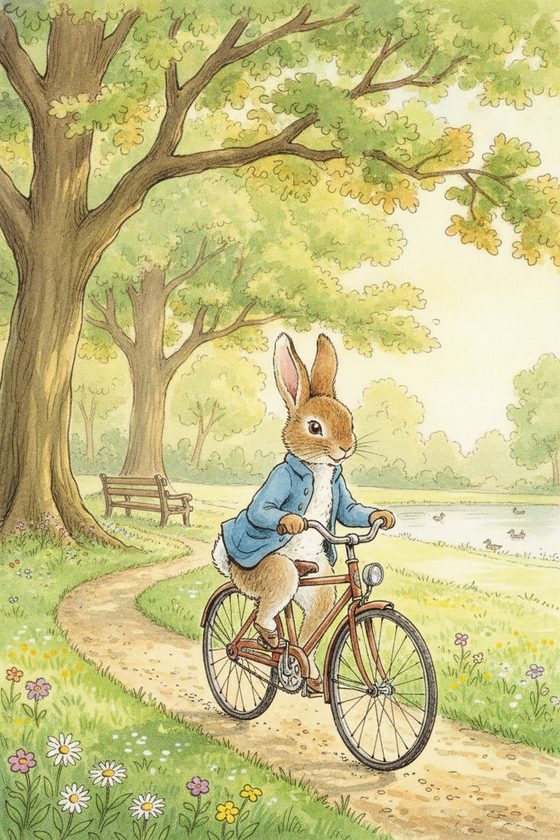
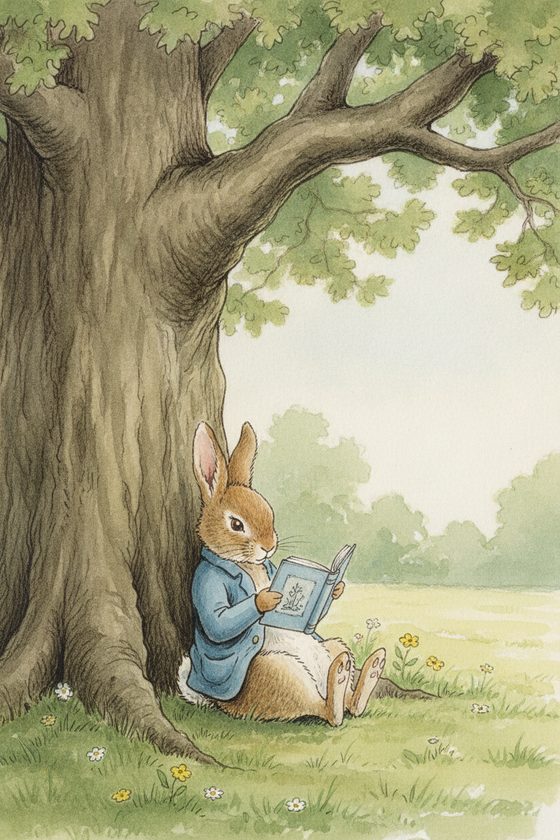
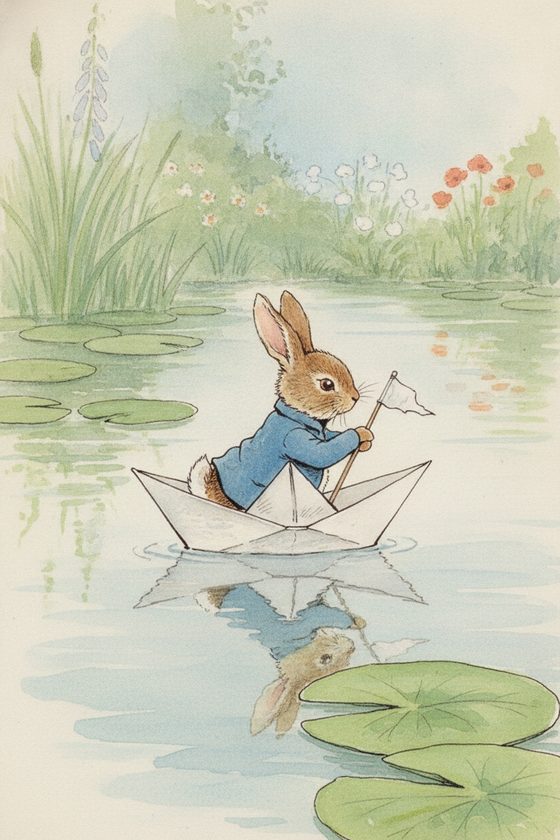
Where a written character meets a drawn one
- Strong, specific detail from your prose — a coloured coat, an eyepatch, a distinctive hairstyle — anchors the likeness best. Prominent features carry reliably; subtle notes like a faint freckle pattern can soften.
- Ambiguous or hidden-face references drift. If your reference is a shadowed or turned-away figure, the tool has little identity to hold and the character can shift. Give it a clear, well-lit face to lock onto.
- This is planning and brief material, not a finished illustrated edition. Use the art to visualise, to brief a cover or interior artist, and for reader extras — not as a substitute for a commissioned artist where you need one.
Build a visual story bible
Keep a reference per character and you have a visual companion to your manuscript — useful for your own continuity, for a cover designer's brief, and for a newsletter or launch extra that gives readers a face. Generate a set, review the cast together so no two characters blur, and you have a consistent gallery for the whole book. The reference-sheet planner helps you organise a cast before you start.
Questions, answered plainly
Can I base a character on a real author photo or a celebrity?
No — keep every character an original, fictional creation you own. You may base one on yourself as an adult or a consenting adult, but do not use a celebrity, public figure, or anyone who has not consented. An invented character is the safe default.
Will the same character stay consistent across many scenes?
Yes, if you anchor every scene to one clear reference rather than chaining outputs. Give the tool a well-lit, front-facing face and name the defining details in each prompt — that is what keeps the likeness from drifting scene to scene.
Is this a replacement for a cover artist?
No. It is excellent for visualising your cast, briefing an artist, and reader extras. Where you need a professional cover or interior illustration, use this art as reference and hire the artist — the two work well together.
Is it free to try with one character?
The workbench starts with one free watermarked preview, so you can see whether a character holds in a new scene before spending anything. Building a full cast sheet uses one-time 4-, 12-, or 40-scene packs — you pay only for what you generate, no subscription.
See your cast
Bring a character reference and generate the first scene. Keep them the same across the whole book.
One free watermarked preview here — no signup. Choose a pack only after you inspect the scene.